
Know Every Client and Every Dog Before They Arrive
A CRM built specifically for dog grooming. Every client record, pet profile, grooming history, behaviour note and consent form — in one place, accessible by your whole team in seconds.
No payment required. No credit card. Cancel anytime.
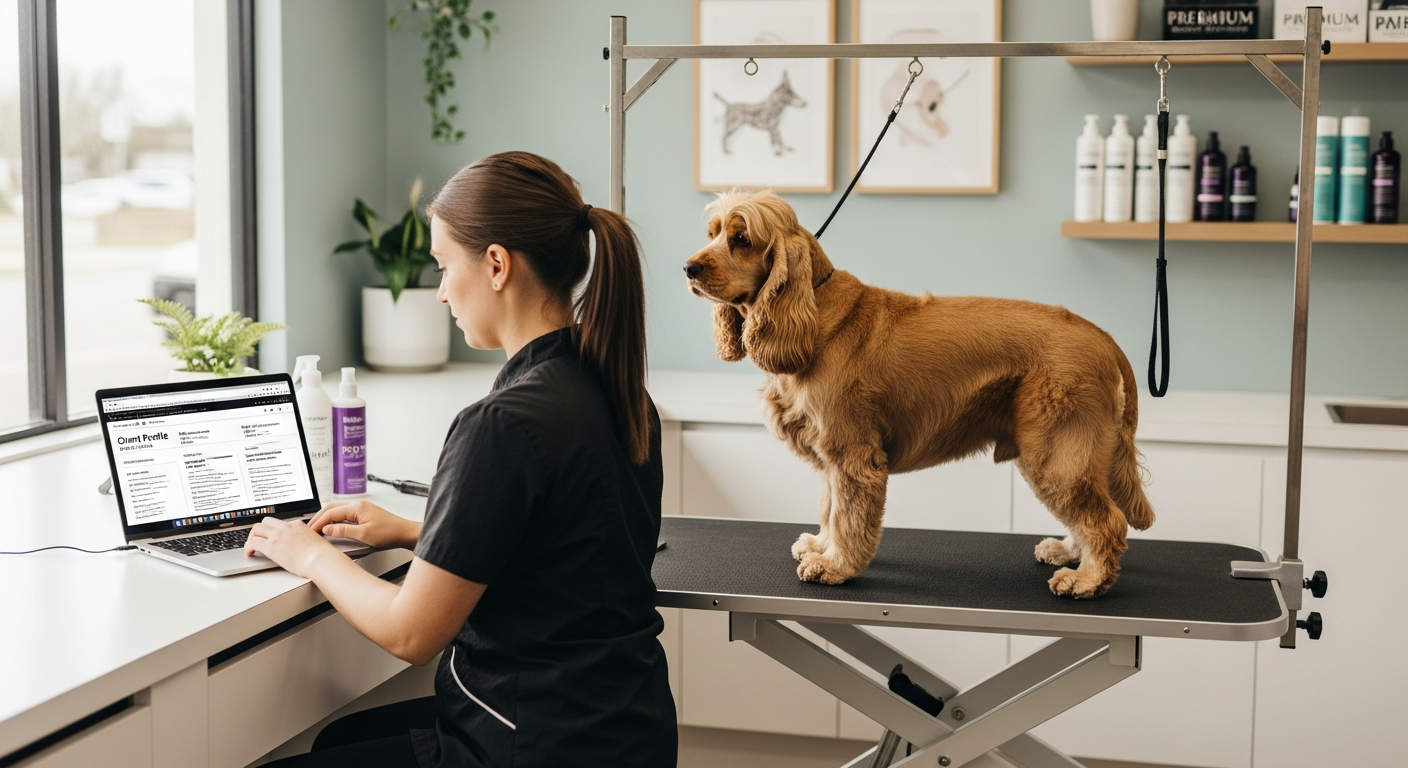
What a grooming CRM actually does
A CRM is the central record of everything you know about your clients and their dogs. For a grooming salon, that means far more than a name and a phone number.
It means knowing that Bella the cockapoo gets anxious near the dryer, that Max the doodle always needs an extra 30 minutes on his coat, and that Mrs Thompson prefers morning appointments and always books both her dogs together. That knowledge builds loyalty, reduces incidents, and lets any groomer deliver the same quality every time.
Everything stored. Everything accessible.
Complete Client Records
Name, contact details, communication preferences, notes, and full appointment history for every client.
Detailed Pet Profiles
Breed, age, weight, coat type, vaccination status, behaviour notes, and grooming preferences for every dog.
Full Grooming History
Every appointment this dog has ever had with you — dates, services, notes and who carried out the groom.
Documents & Consent Forms
Store signed consent forms and documents against client records. Digital e-signature supported.
Per-Pet Pricing
Set a custom groom price per dog that overrides the service default — for dogs needing extra time or care.
Behaviour & Safety Notes
Record handling notes, anxiety triggers, and safety information visible to every groomer on your team.
Deposit & Payment Tracking
Record deposits taken, payment method (cash or card), and products sold against each appointment. The system tracks what was paid and how — it doesn't process or take payments.
Why it matters as your salon grows
When you have 20 clients, you carry most of this knowledge in your head. When you have 200, or when you bring on a second groomer, that's no longer possible.
A new groomer joins your team
Without a CRM, they start from zero with every dog. With Pawfectly Booked, they see the pet's full history, behaviour notes and special instructions before they've met the dog.
You're covering for a colleague
You pull up the appointment, read the pet record, check the notes. You're prepared. The client notices no difference in quality.
A client disputes a charge
You have a complete record of every appointment, service, and agreed price. Disputes are easy to resolve with documented history.
Switching from another system is quick
Whether you're moving from a spreadsheet, paper record cards, or another piece of software, you don't have to start from scratch.
Download the CSV template
One click to get a pre-formatted spreadsheet with every column labelled. Fill it in with your existing client and pet data — copy-paste from Excel, export from another tool, or type it in.
Upload and validate
We check every row before saving anything: missing required fields, invalid emails, wrong date formats. We also spot breed names we don't recognise and suggest the closest match from your breed list.
Review and go
See a summary of what was created, what was skipped (because it already existed), and any errors. If anything looks off, one click undoes the entire import — no data left behind.
Up to 500 clients per file · Existing clients matched by email or phone are never duplicated · Pets are added to existing clients automatically